Tree Growth Study
Explore SideFX Labs Tree Generator Tool
Automatically collide with ground level (where Y Position = 0)
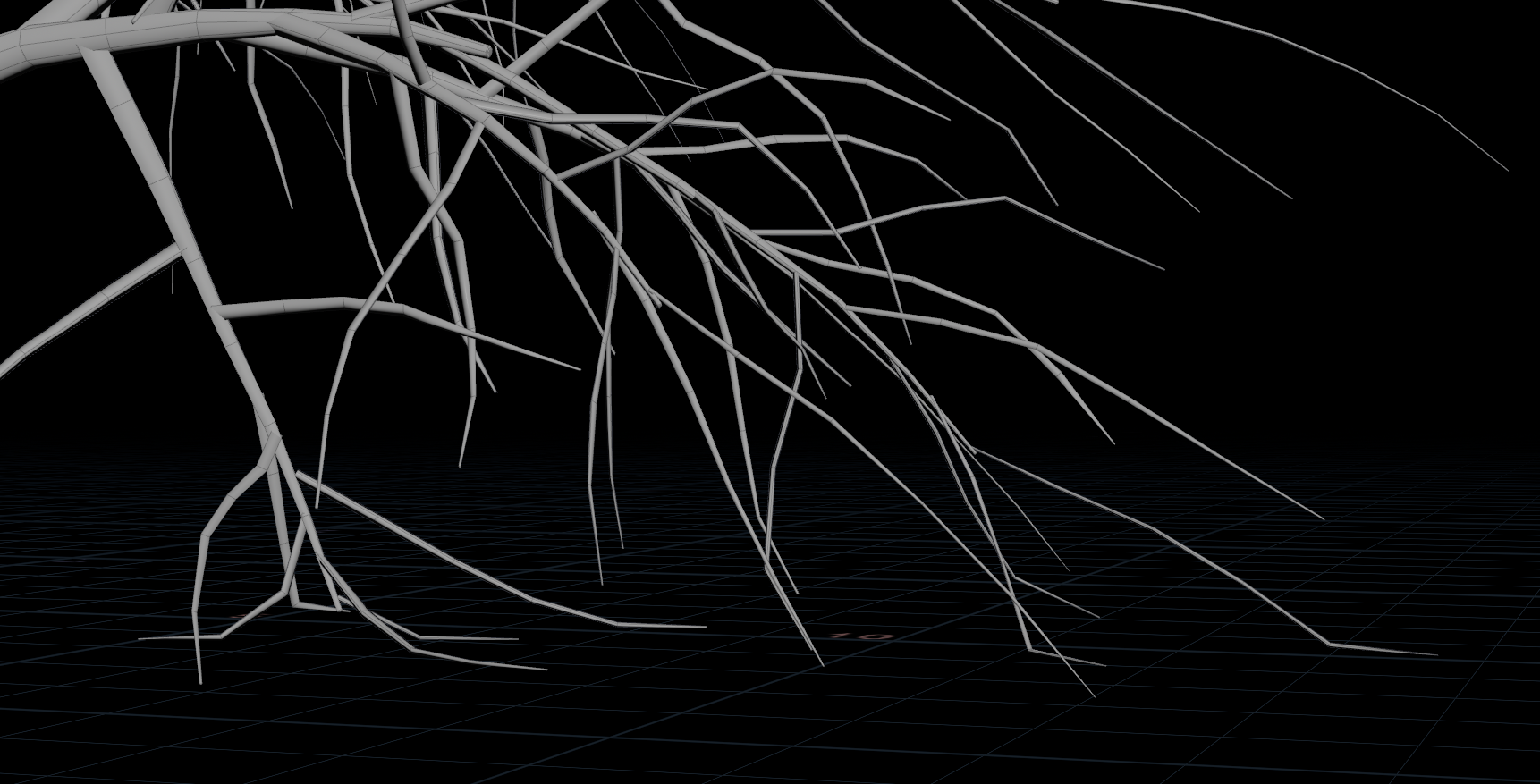
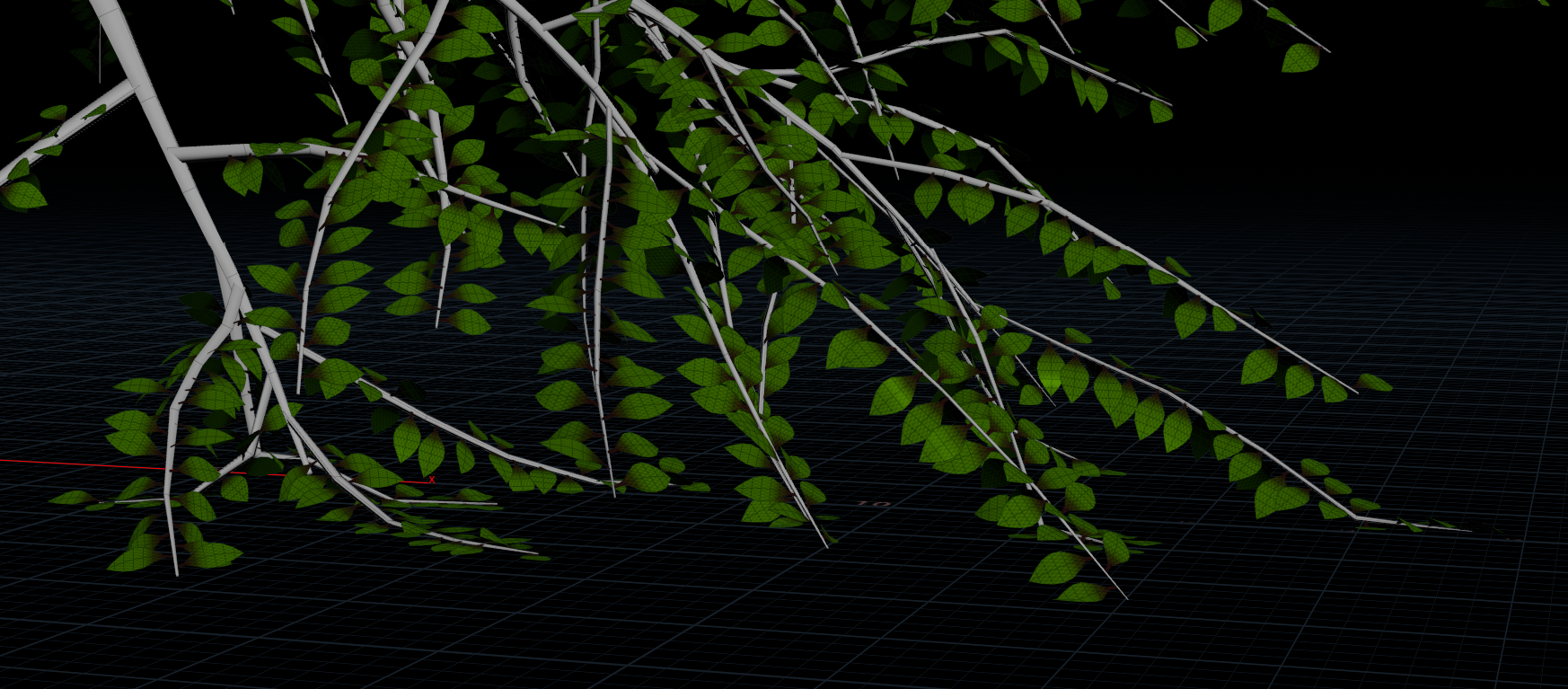
Purpose: Explore how simulation techniques in Houdini can be applied to Gaussian Splat assets, and evaluate the end-to-end Gaussian Splat creation pipeline—from data capture to simulation-driven refinement and rendering.
RealityScan: Align photos and export in COLMAP format - when exporting in COLMAP, camera poses & intrinsics, sparse point clouds and original images will be exported
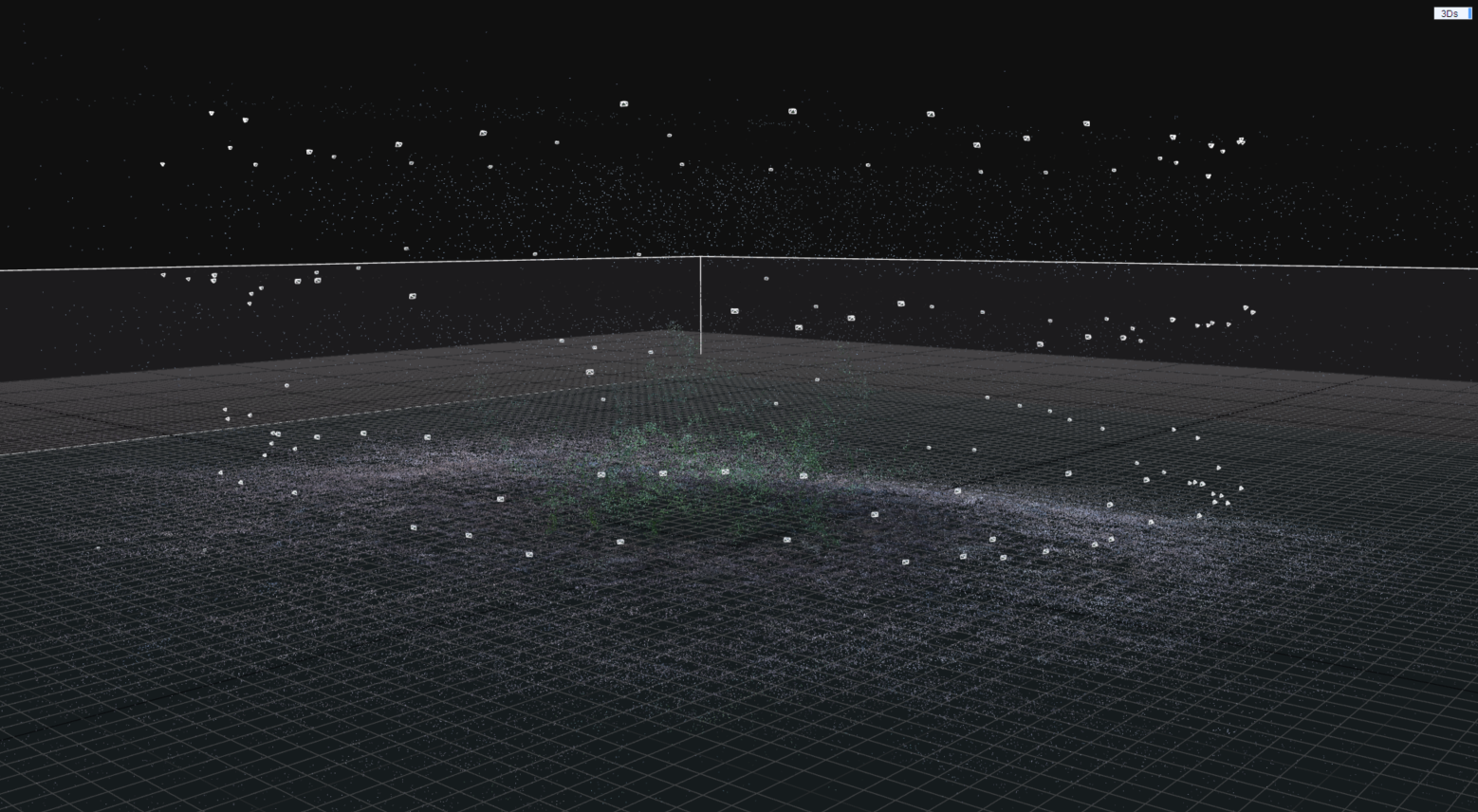
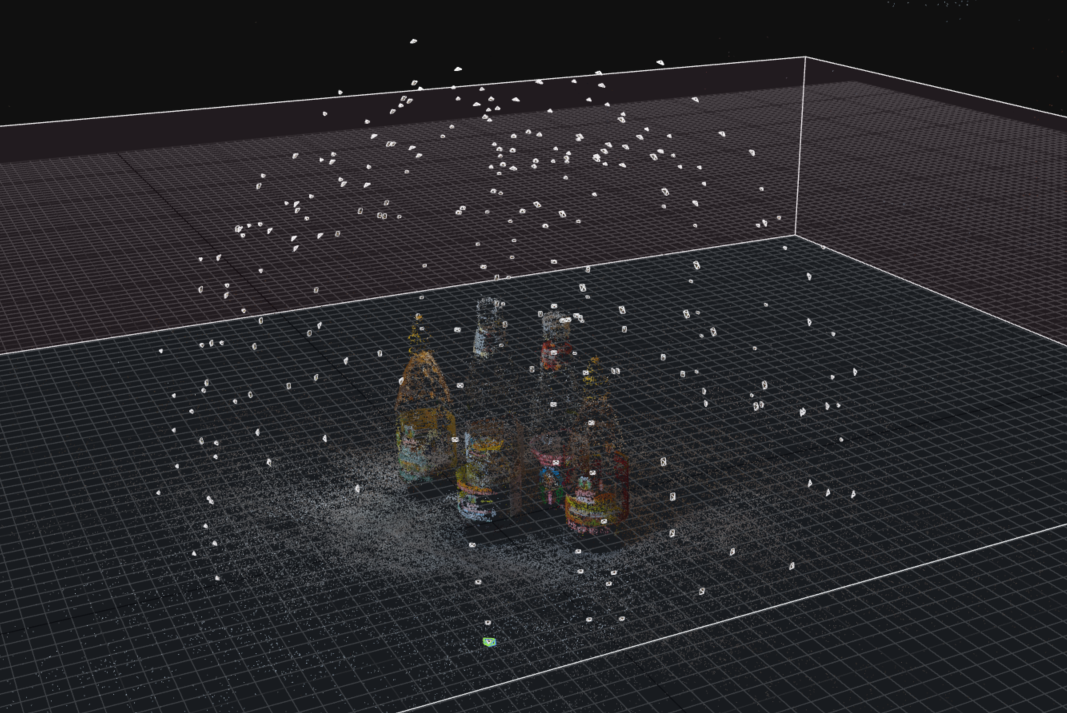
Lichtfeld: Export full data splat (.ply) to be import into Houdini

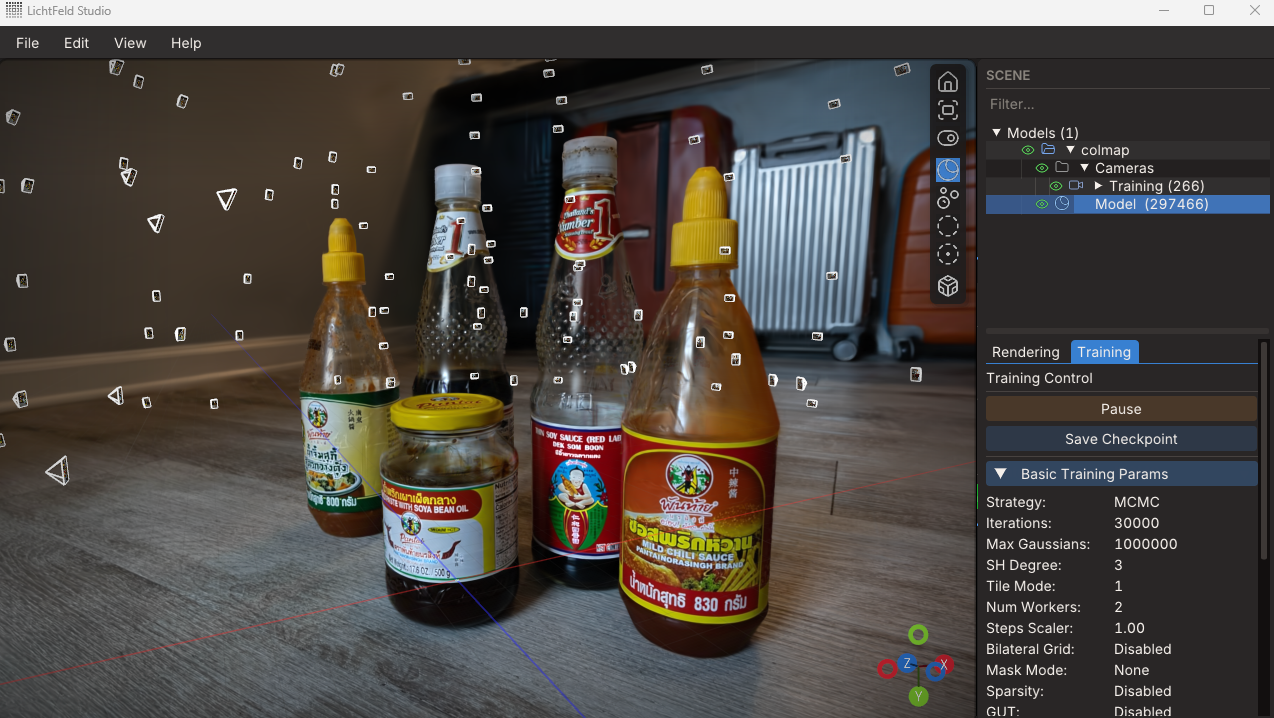
Import a Splat file and retrieve splat data using
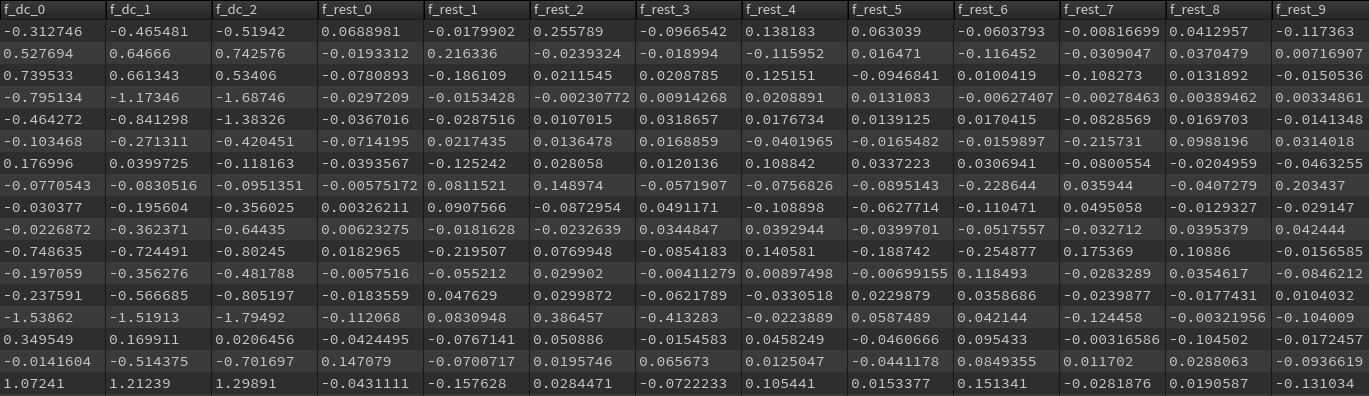
Check that gaussion splat data is imported correctly, such as f_d, f_rest
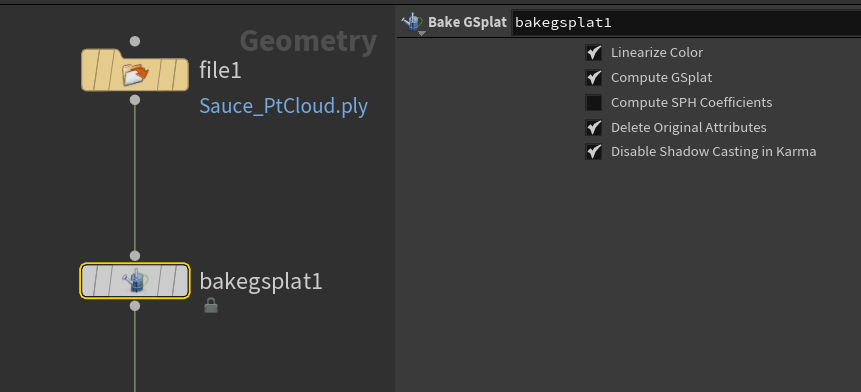
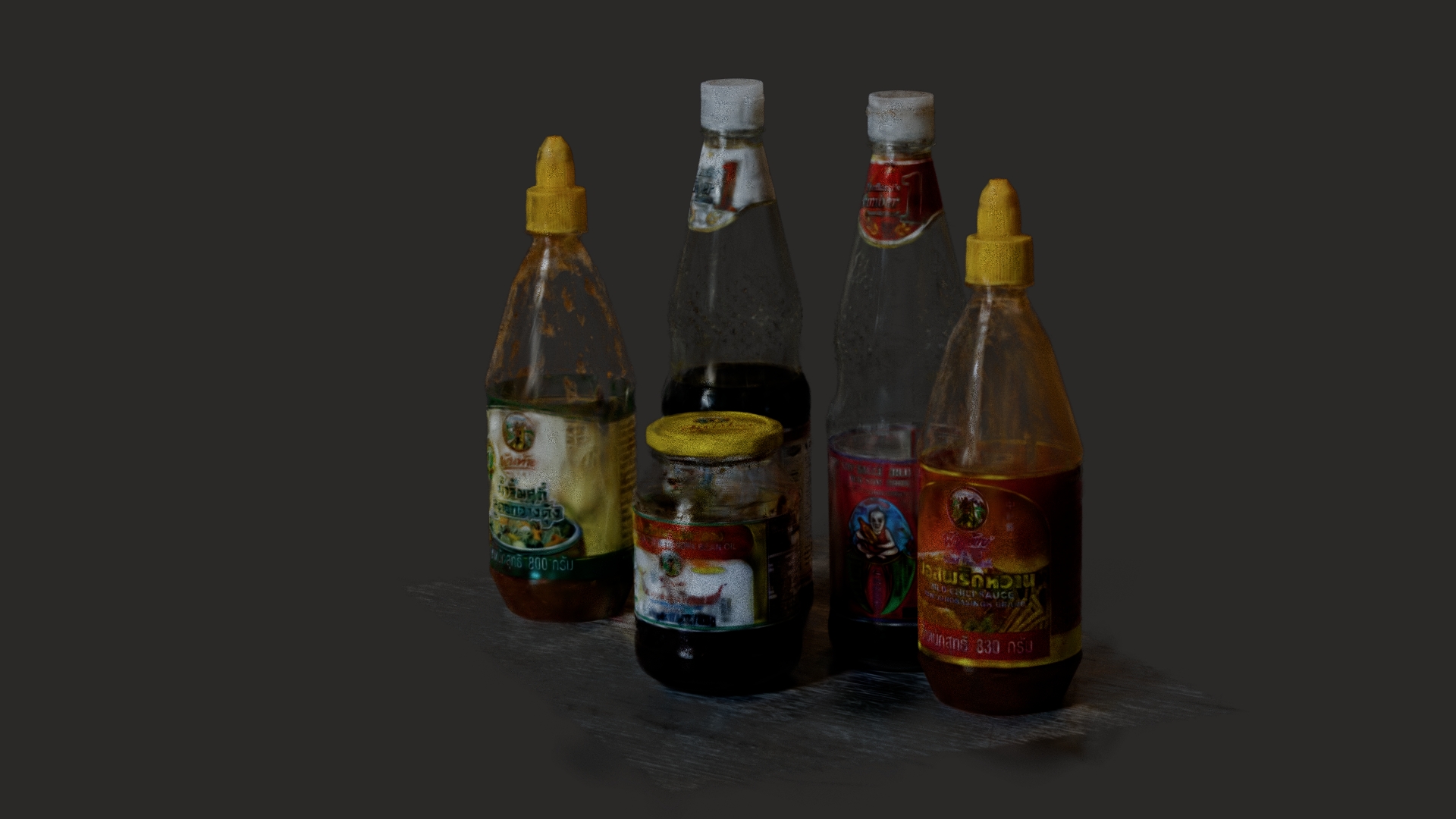
Test Render
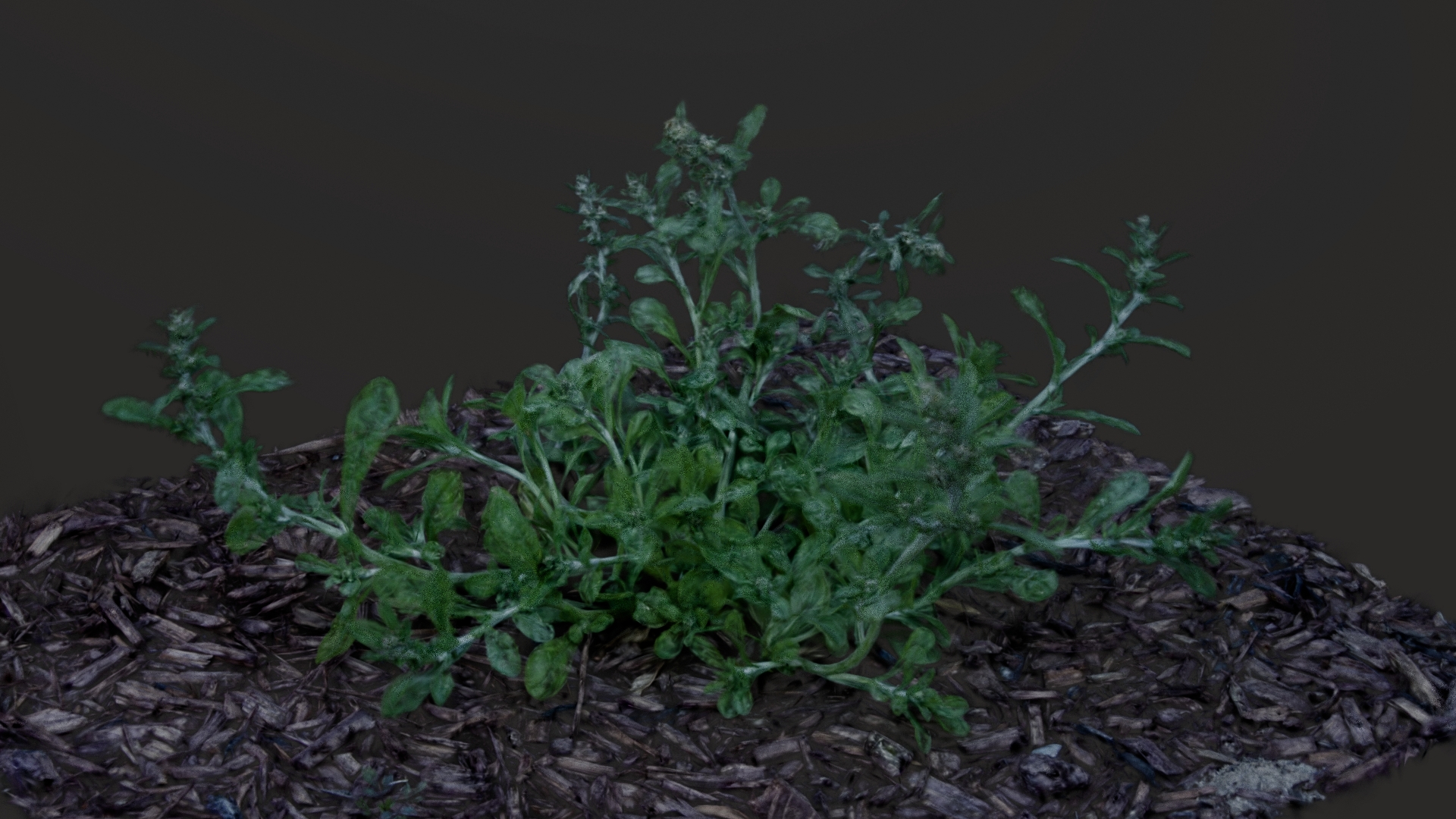
Simulation Test
Gaussian Splat with Vellum from Entagma
Test Result
Why it does not work: For the result, I tried using RBD simulation instead of Vellum, so it might need some other way to deform points properly.