Week 03 - Vellum Grain Simulation | Refining Lighting and FX
Jan 20 - 26, 2026
Mentors Feedback and Suggestions
Shot 1: Use emissive fluids as a main light source combining with back lighting
Fluid direction must match between Shot 1 and 2 - Change camera angle or direction of the fluids
Some transition between shots is too fast
Shot 5: Looks cool but might feel unrelated to the previous shots
Pick one direction for FX in shot 4 and 5
Shot 6: Emphasize volume and movement by making a tornado movement
Completed
Team Tasks
Shot 1: Create 2 lighting options - dark and bright
Shot 2: Camera change
Refine modeling
Shader quilt
Individual Tasks
Shot 3: Vellum Grain simulation test
Set up AOV passes and do render test
Shot 6: Adjust path of the floating objects
Shot 6: Adjust camera and angle and slow down the transition
To-Do Lists
Team Tasks
Shot 2: Polishing the fluid motion and refining particle-to-fluid conversion and viscosity
Shot 4-5: Refine particles simulation
UV unwrap objects
AI Generate designs to go on objects post-printing
Begin applying shaders to models
Individual Tasks
Shot 3: Refine vellum grain add material
Shot 6: Refine floating objects movement
Shot 6: Refine mask for printed textures
Grain FX Test
Shot 03: Falling grain to show that the printer has started printing and to connect the shot with the next one
Animate the source of the grain using Mountain SOP
Scatter points and apply Vellum Configure Grain
Connect to Vellum Solver and add collision
Use attribute wrangle and attribute randomize SOP to control colors, scale and orientation
Shot 6 Troubleshooting
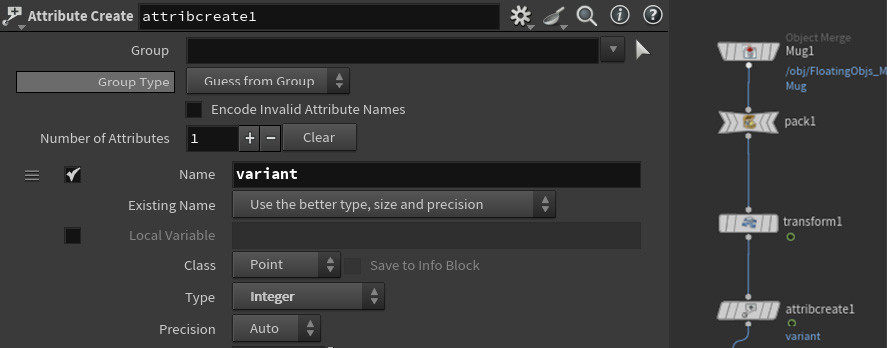
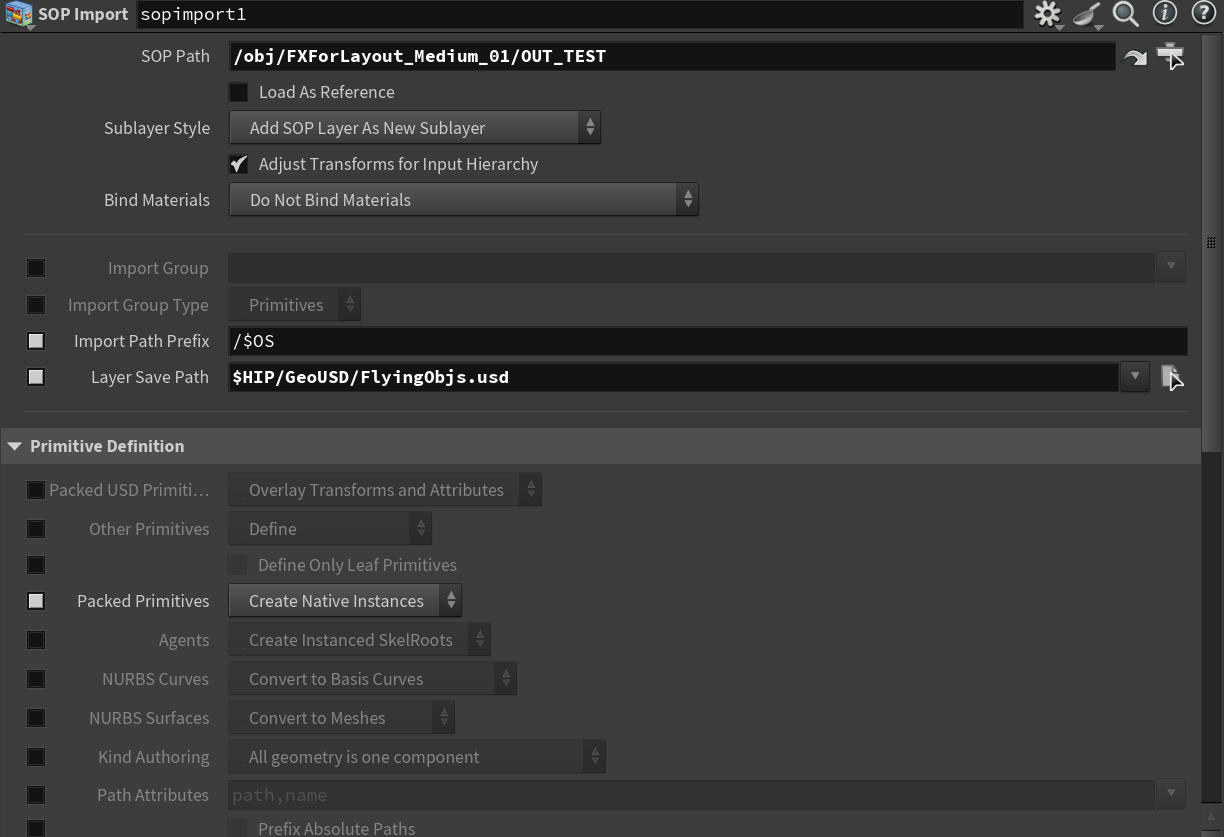
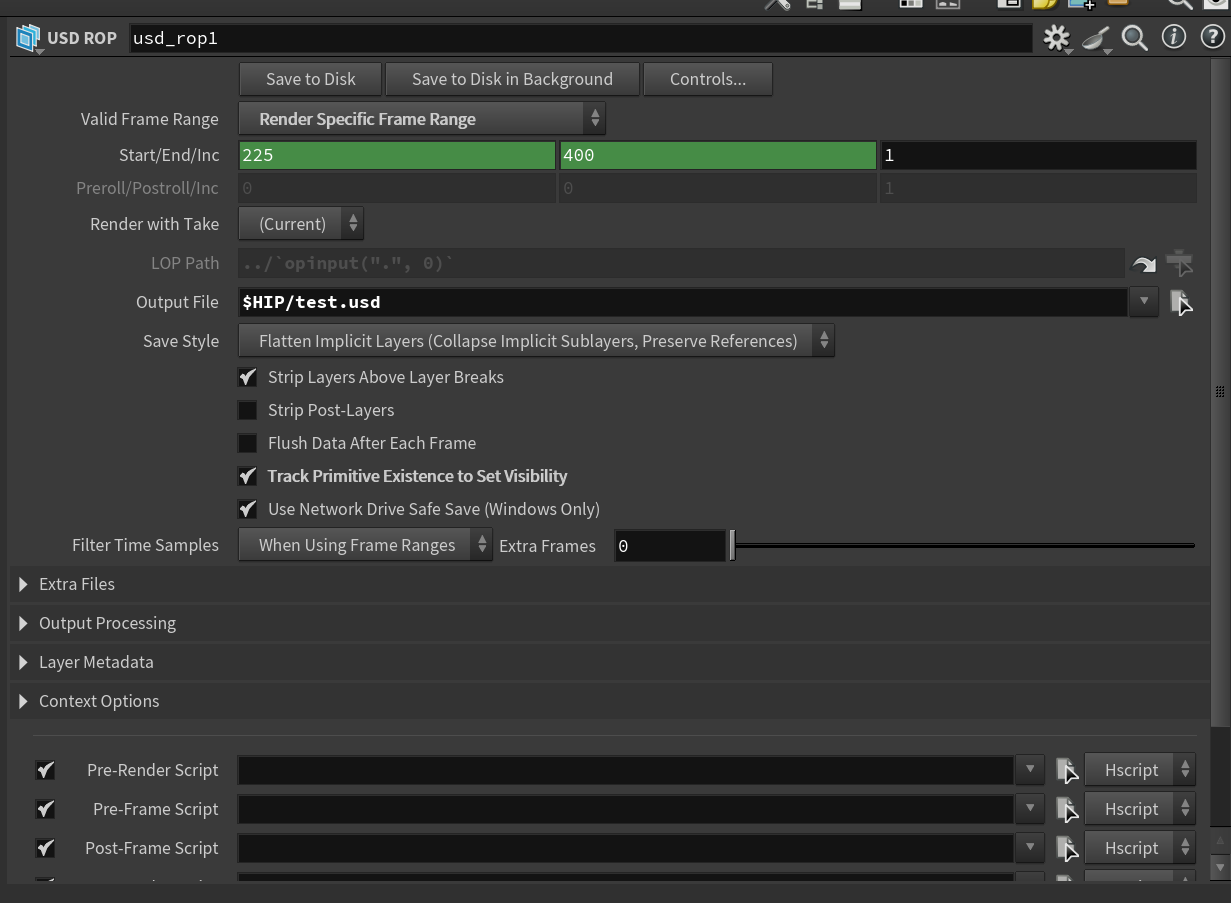
Problem: Floating objects did not move properly and they created copy of themselves when exporting USD
Problem: Floating objects did not move properly and they created copy of themselves when exporting USD
Use Attibute Delete SOP to remove unused attribute
In Attribute Create SOP, set attribute type to 'Integer' instead of Float
If you pack the geometry, in Sop Import, make sure to choose 'Create Native Instances' in Packed Primitives
In USD Rop node, enable 'Track Promitive Existence to Set Visibility'